


Organize everything in groups
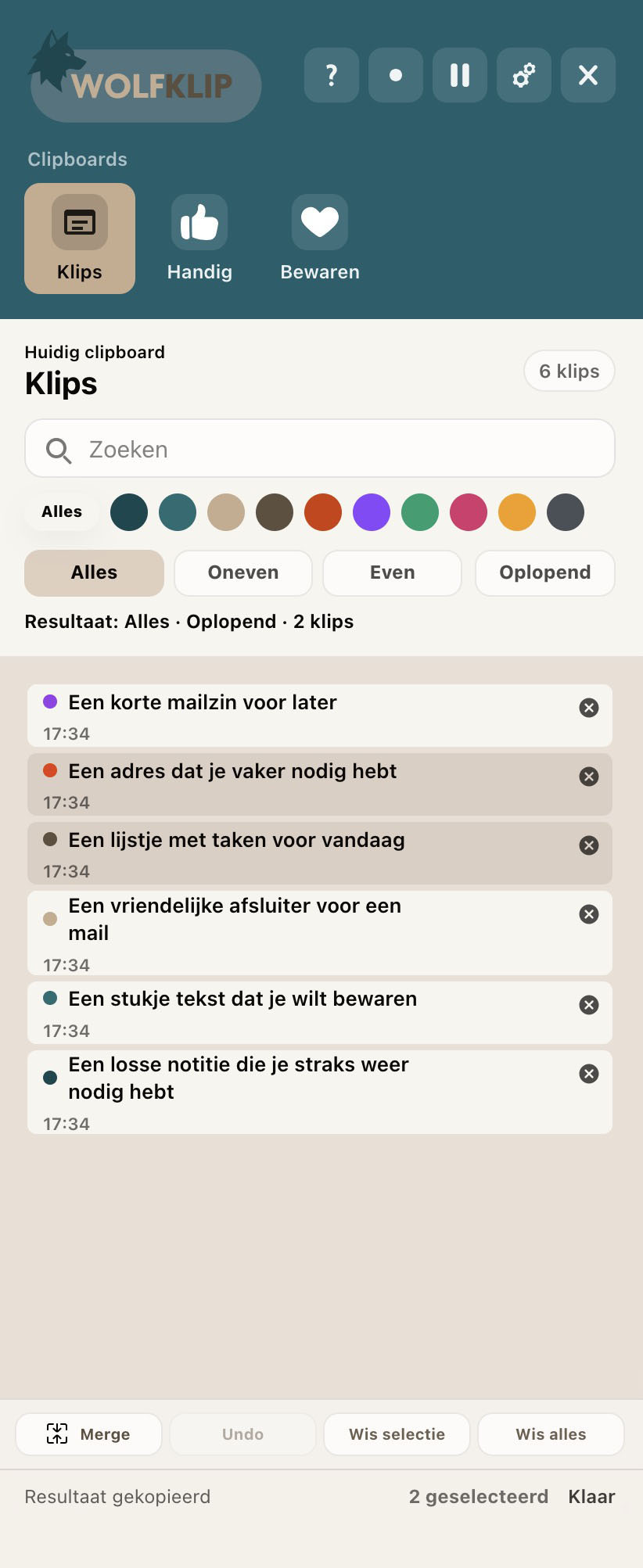
Create multiple klip groups, give them colors and icons, and drag klips to the place where they belong.


With WOLFKLIP you keep text klips in clear groups. Select what you need, combine separate klips and paste exactly the result you intended.
WOLFKLIP lives close to your system, in the menu bar or system tray, and is made for people who move, rewrite, save and reuse lots of text. Open a compact panel, choose your group, grab your klips and keep working.
Create multiple klip groups, give them colors and icons, and drag klips to the place where they belong.
Click, shift-click and option-click to select single klips, ranges or several separate items.
Paste everything at once, only odd lines or only even lines. Asc and desc reverse the order.
Name klips, edit their content and lock items that should not be removed.
Next to clipboard, FTP, font and time management, WOLFKLIP now adds two focused workspaces for daily creative work: saving colors and reusing code fragments.
Color management with ColorKlips, palettes, swatches and color values for websites, brands and projects.
View Color managementCode management with CodeKlips for snippets, templates, commands and project notes you need again quickly.
View Code managementWOLFKLIP is always close from the top bar. Klips land in Klips by default, then you can rename, move, merge, split, import or export them as a WOLFKLIP file.
WOLFKLIP is available for MacOS and Windows.
 MacOS
MacOS
 Windows
Choose a lifetime license or a yearly plan that fits the number of computers where you want to use WOLFKLIP.